Resupme User Wiki
Your comprehensive source of truth for mastering AI-powered career tools. Learn how to build, optimize, and excel.
Wiki Navigation
- 1. Building Your Resume
- 2. Styling & Templates
- 3. Version Control
- 4. Creating Your Goals
- 5. Resume Optimization
- 6. Career Roadmap & Study
- 7. Mock Interviews
- 8. Free Credits & Quests
01 Building Your Resume
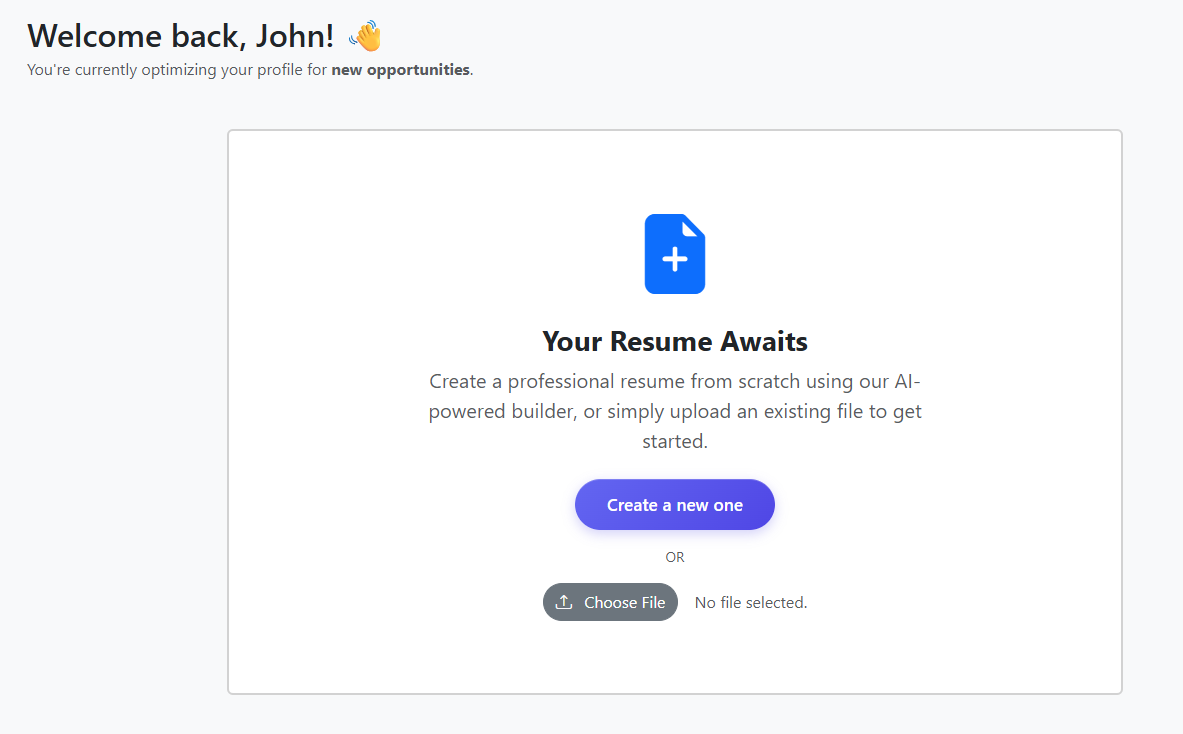
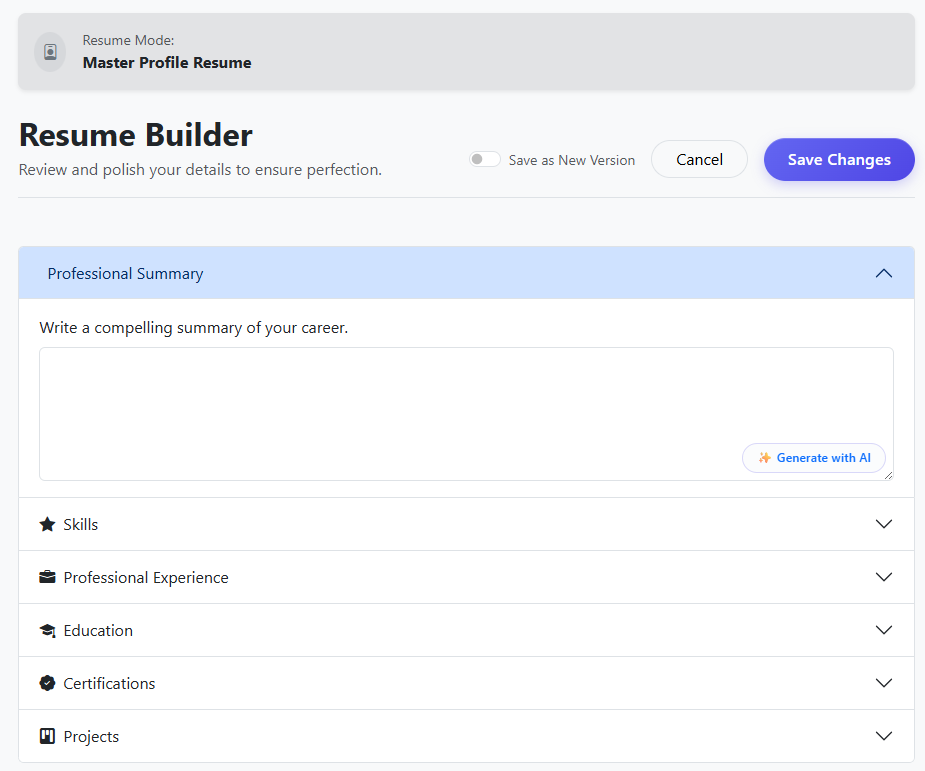
Resupme provides multiple entry points for creating your professional profile. You can start from scratch, use our AI generator, or import your existing history.
AI Assisted Generation
Fill in quick information about your background, and our AI will draft a complete resume for you. Look for the Generate with AI button.
Resume Parsing (Upload)
Upload your current resume in PDF or Word format. Our system will extract all relevant details, including experience, education, and skills, saving you hours of manual entry.
02 Styling & Templates
Presentation is key. Resupme allows you to instantly switch templates and adjust styles without losing any content.
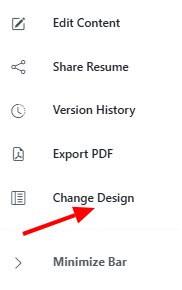
Design Customization
The "Change Design" button opens the style palette, where you can toggle between different layout structures and color schemes instantly.
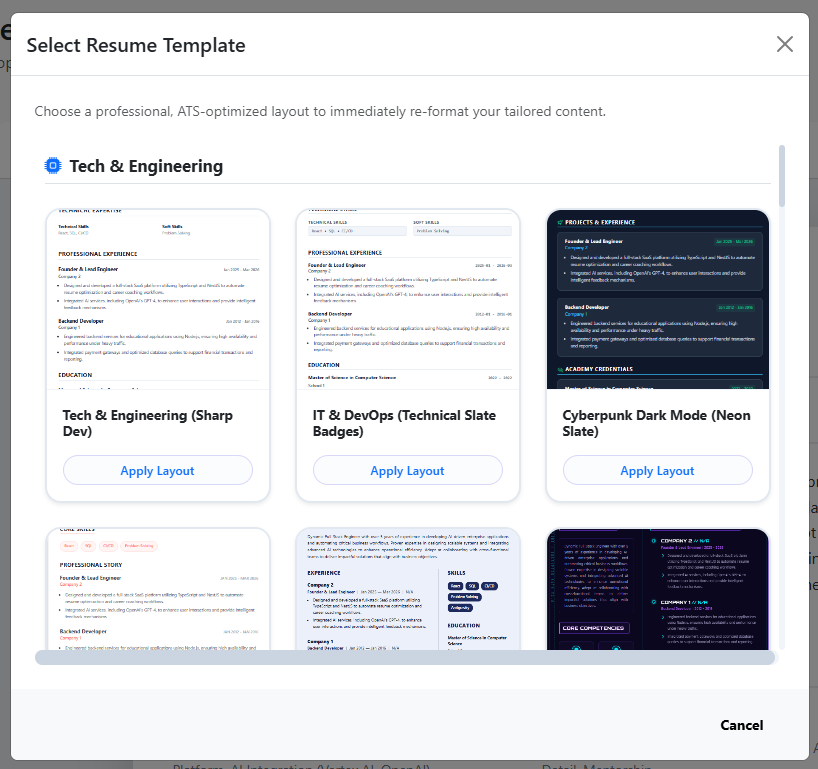
Template Selection
Choose from a library of modern, ATS-optimized templates. Each template is designed to ensure readability and professional appeal.
Preview Example:
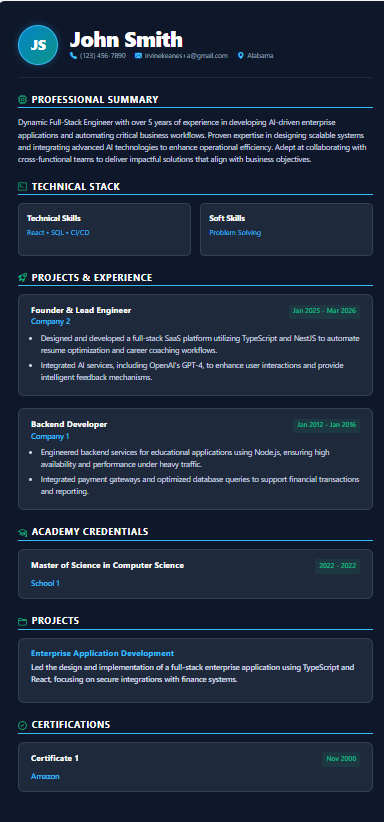
Our templates are fully responsive and ATS-ready.
03 Version Control
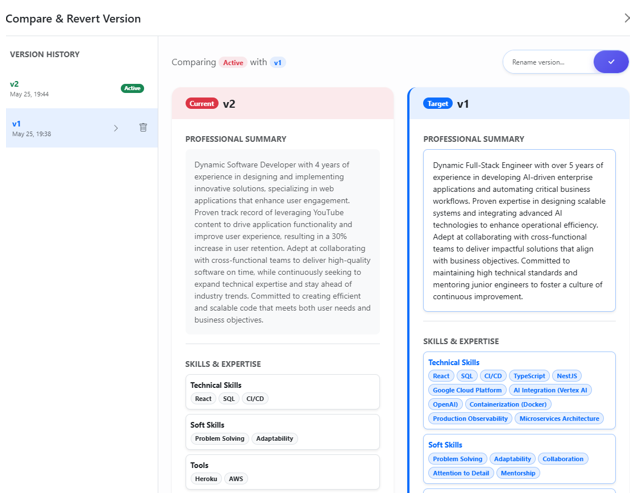
Never worry about making mistakes. Resupme tracks your changes and allows you to revert to any previous state.
Saving a Snapshot
Whenever you make a major breakthrough or a tailored edit, save your current progress as a named version. This creates a permanent restore point that you can always return to.

Accessing History
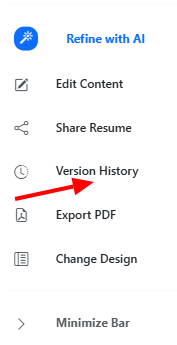
Click the history button in the resume builder to open your timeline of saved versions.
Version List
Browse a chronologically organized list of your previous drafts. You can preview, compare, or restore any version with a single click.
04 Creating Your Goals
A "Target Role" is a specific job goal you want to prepare for. Defining your goal unlocks role-specific AI features.
Choosing a Goal
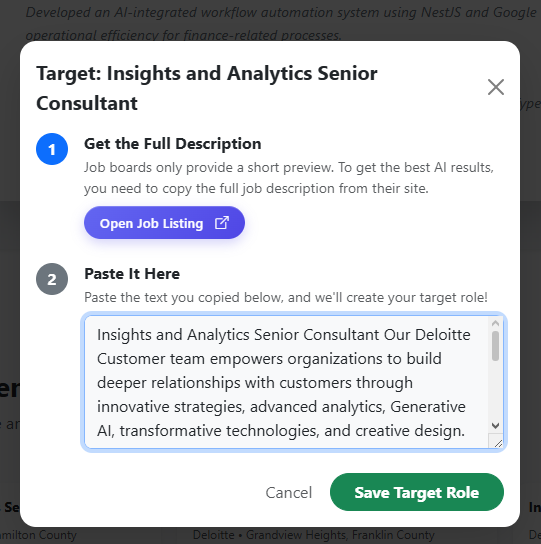
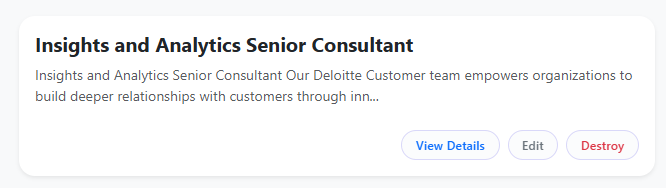
You can choose from recommended jobs or create your own. Fill in the job title and paste the requirements from a job posting to help the AI understand your dream role.
Goal Overview
All your goals are organized in the Target Roles dashboard, where you can see your match score and progress for each.
05 Resume Optimization
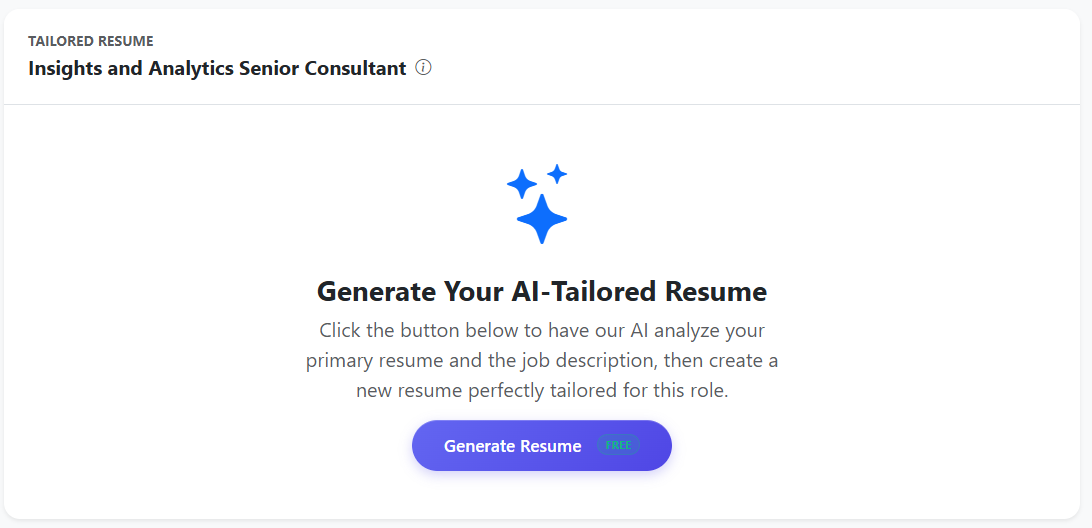
Our AI analyzes your resume against your Target Role's requirements to find gaps and suggest improvements.
Instant Refinement
The AI will rewrite sections of your resume to be more aligned with the specific job description, highlighting your most relevant skills.
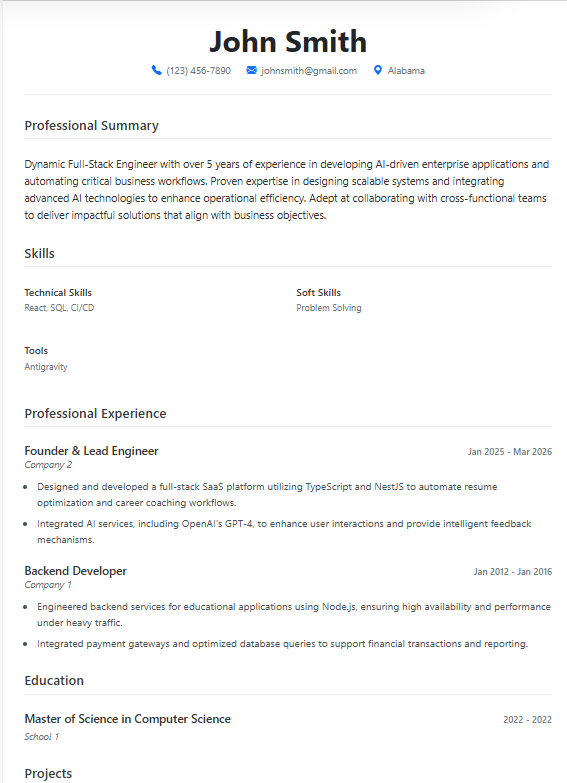
The Optimized Outcome
You'll receive a new version of your resume that is statistically more likely to pass through ATS filters.
06 Career Roadmap & Study
Resupme goes beyond just documents—it provides a learning plan to help you become the perfect candidate.
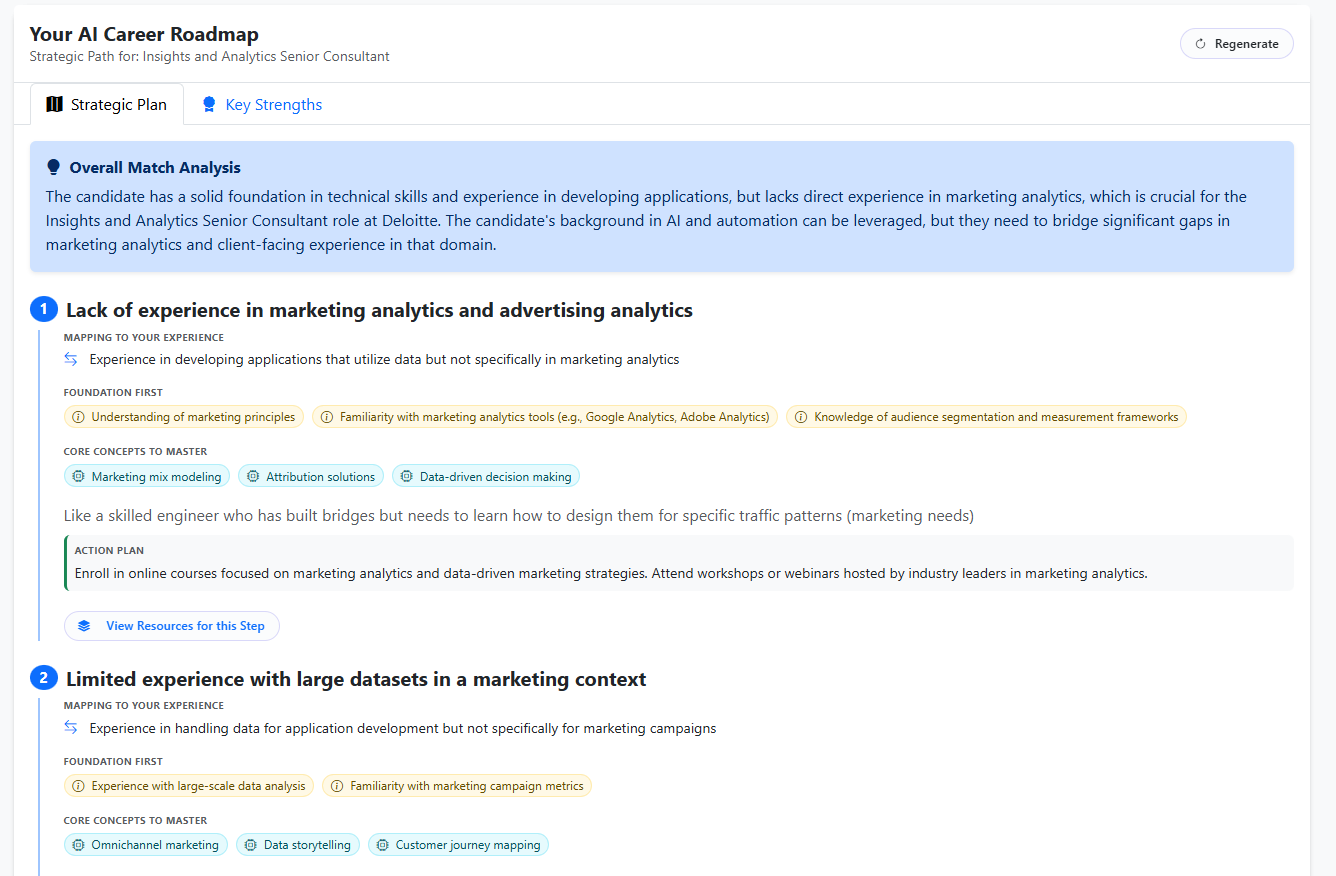
Gap Analysis Plan
For every skill you miss, the AI creates a detailed study plan. It breaks down complex requirements into actionable learning steps.
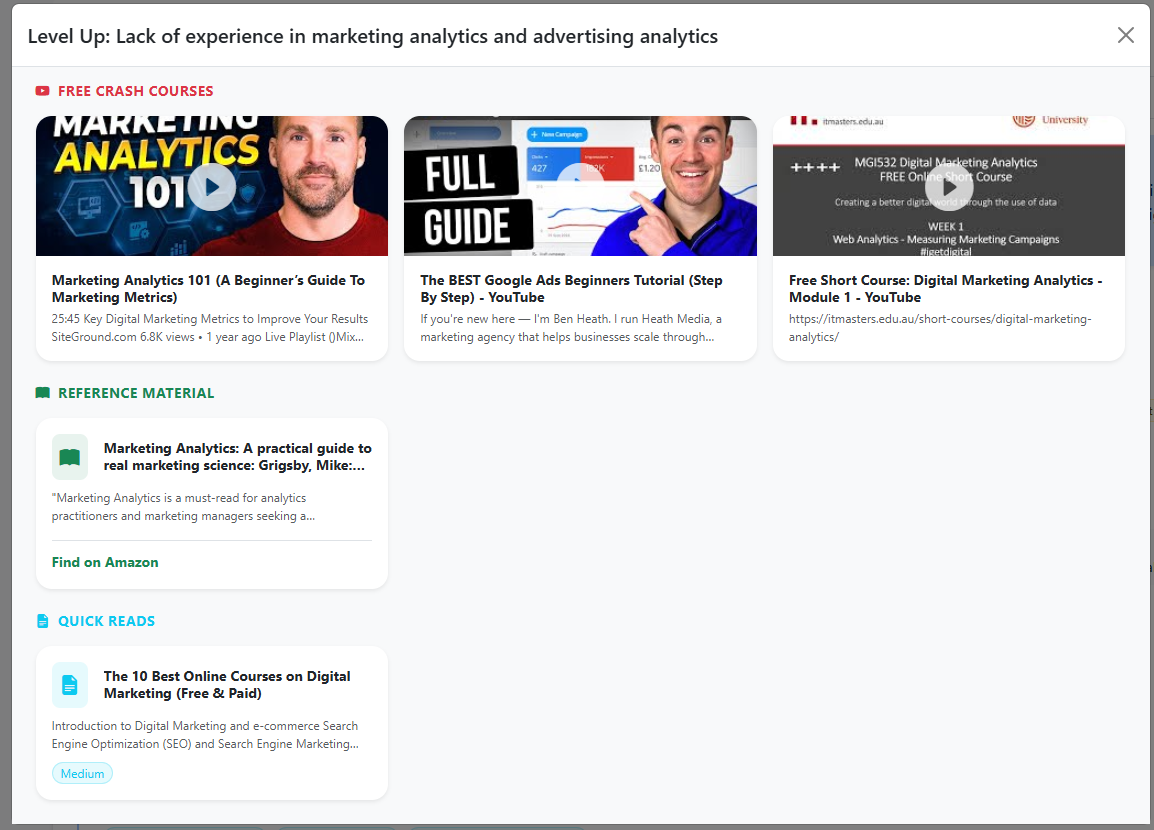
Learning Resources
By clicking any skill keyword in your plan, you will get curated resources, including YouTube tutorials, online courses, and book recommendations.
07 Mock Interviews
Prepare for the real thing by talking to our AI. It acts as an interviewer and a professional coach.
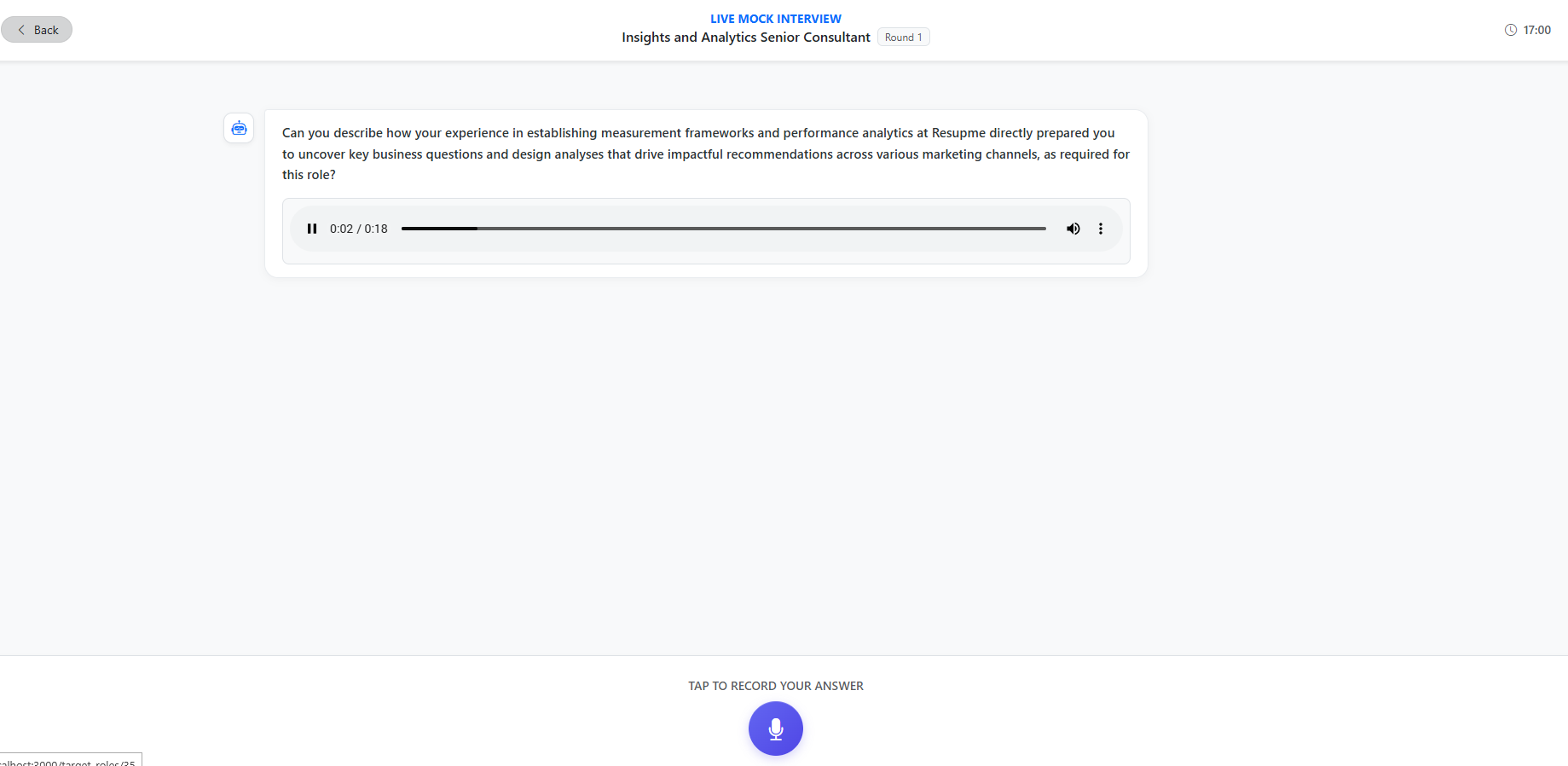
1. Start Interview
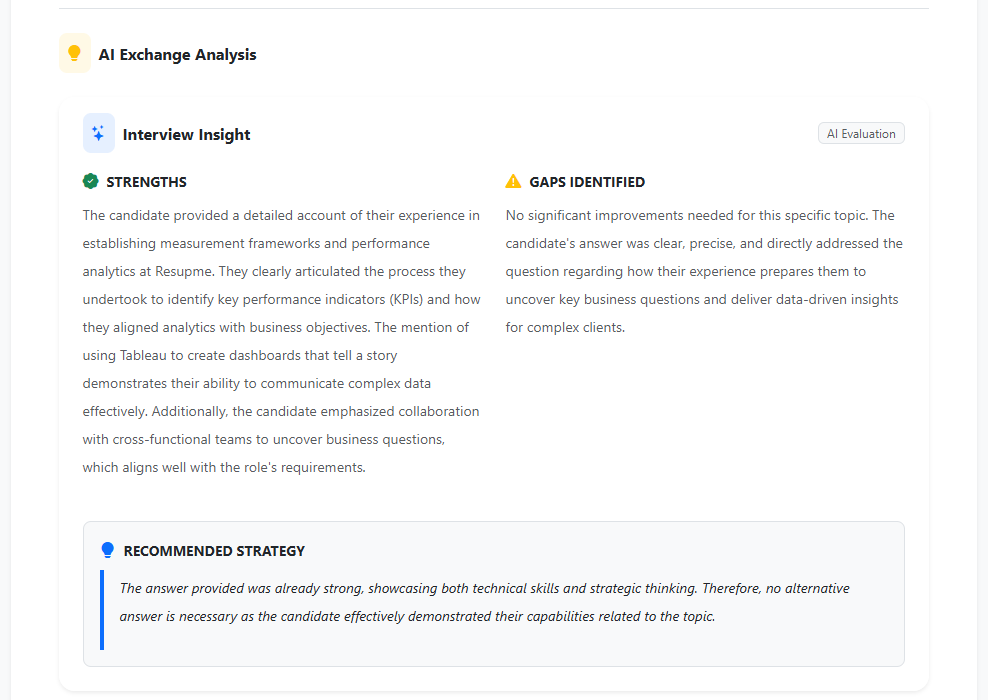
2. Answer Feedback
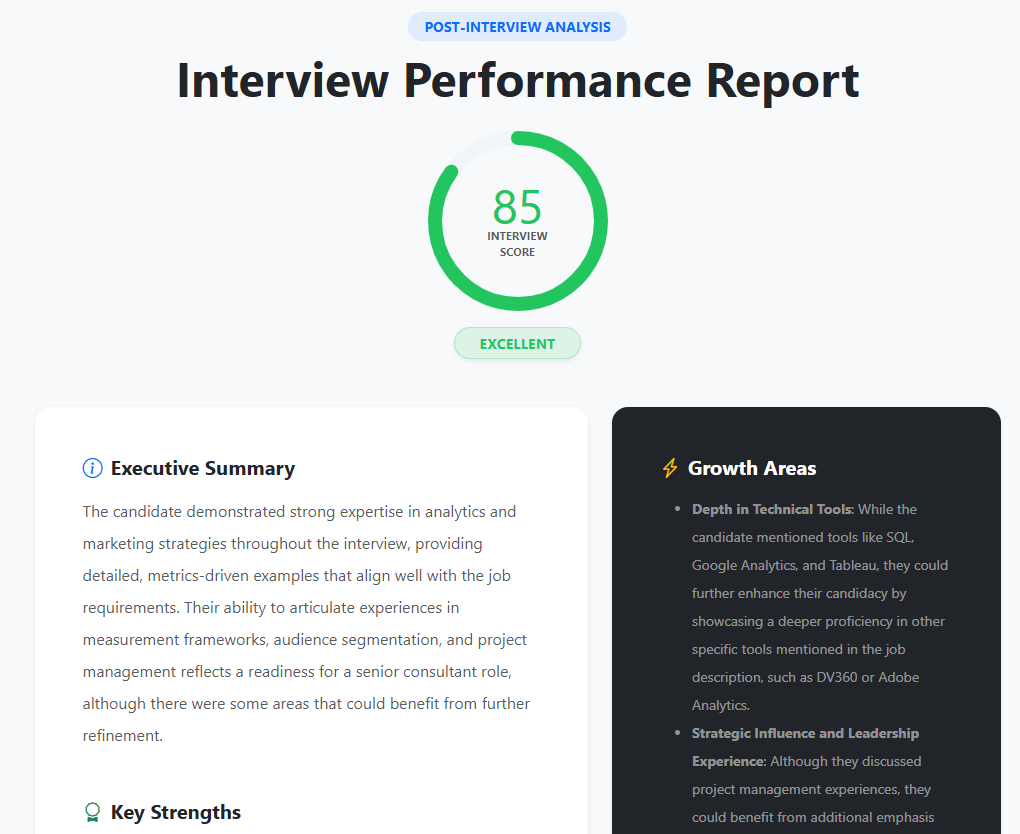
3. Final Evaluation
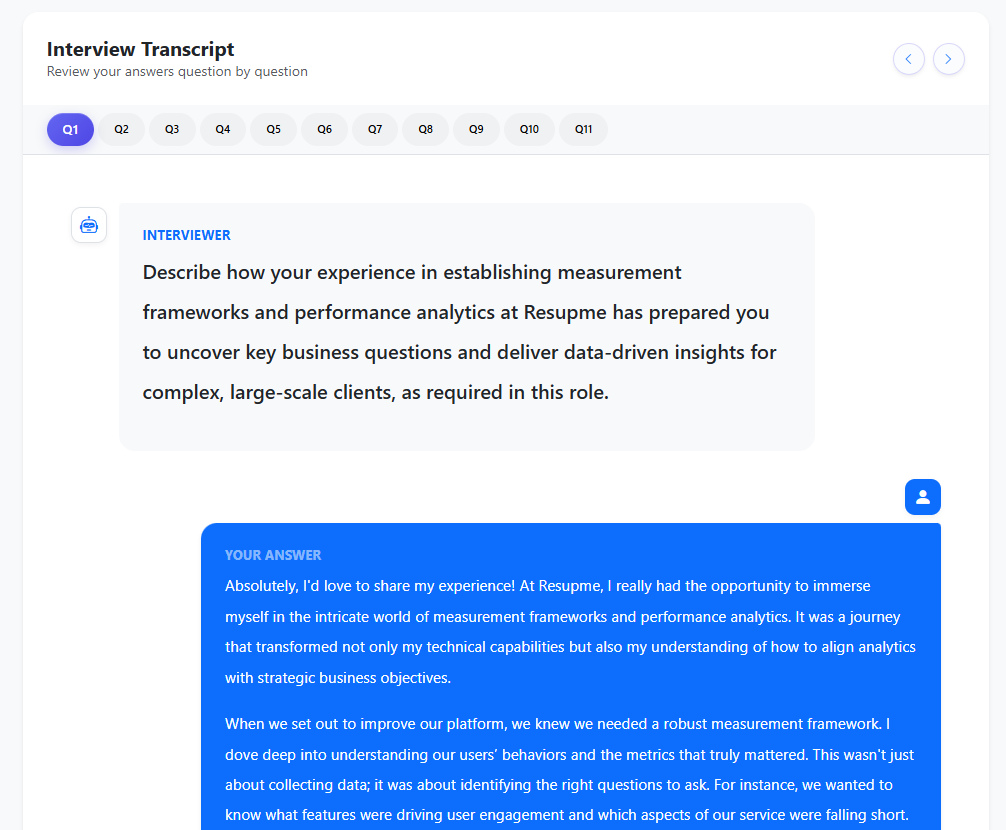
Detailed Interview Transcript
Every session is fully transcribed, highlighting exactly what the interviewer asked and how you responded. This allows you to review your technical answers and refine your delivery for future sessions.
08 Free Credits & Quests
You can use all our AI features for free by engaging with the platform.
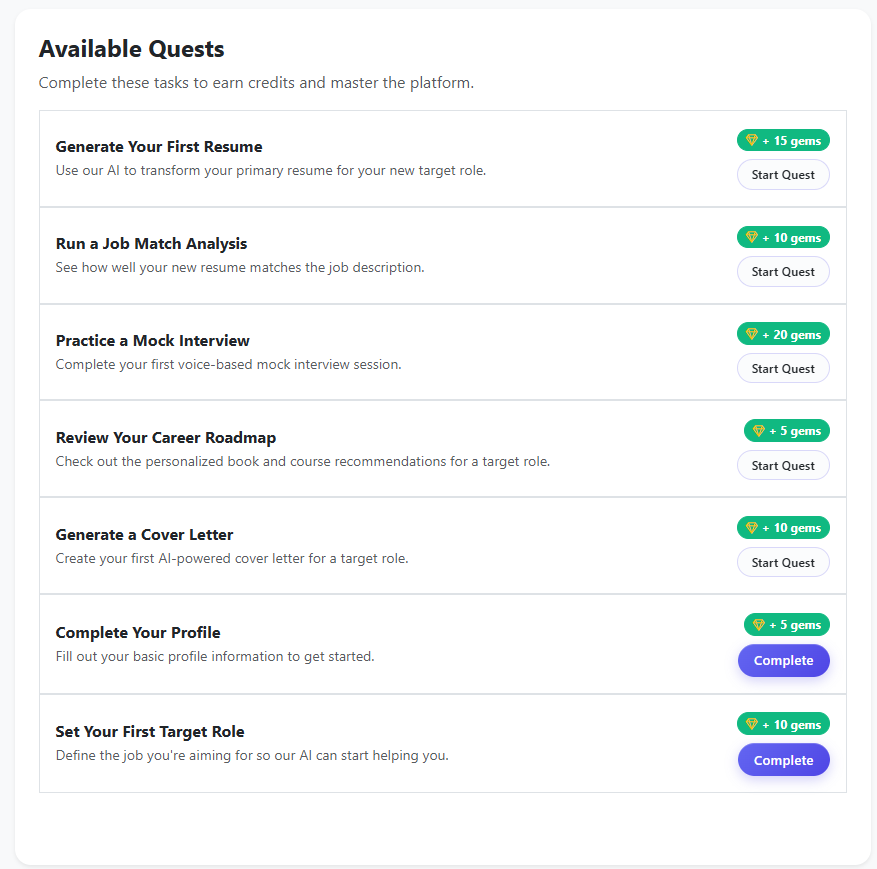
Earning through Quests
Complete small quests, such as finishing your profile or generating your first resume, to earn credits. Each finished quest unlocks more premium features and helps you progress through your career journey.
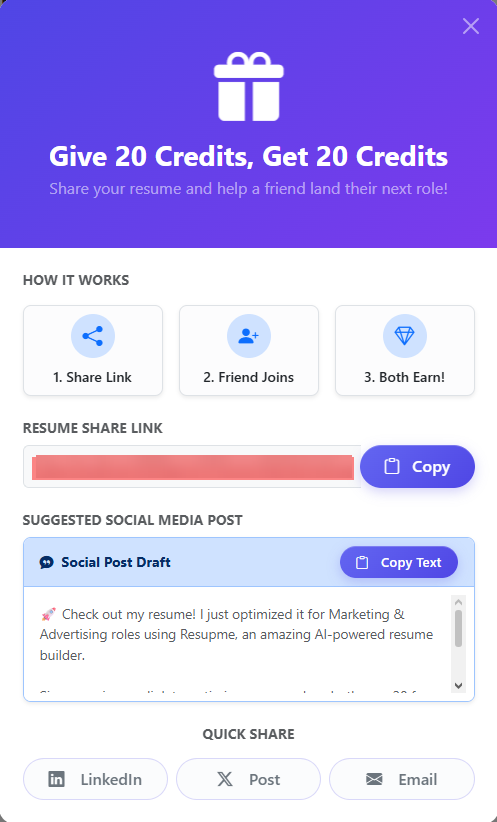
Sharing Your Success
Share your resume with friends or recruiters to get additional free credits. Public resumes allow you to show off your optimized profile while earning usage stars that fuel your AI power.
Still have questions?
Our support team is always here to help you navigate your journey.
Go to Dashboard